Local SEO · 5 min read · 8 November 2026
Local SEO Guide: Get More Customers From Google Maps in India
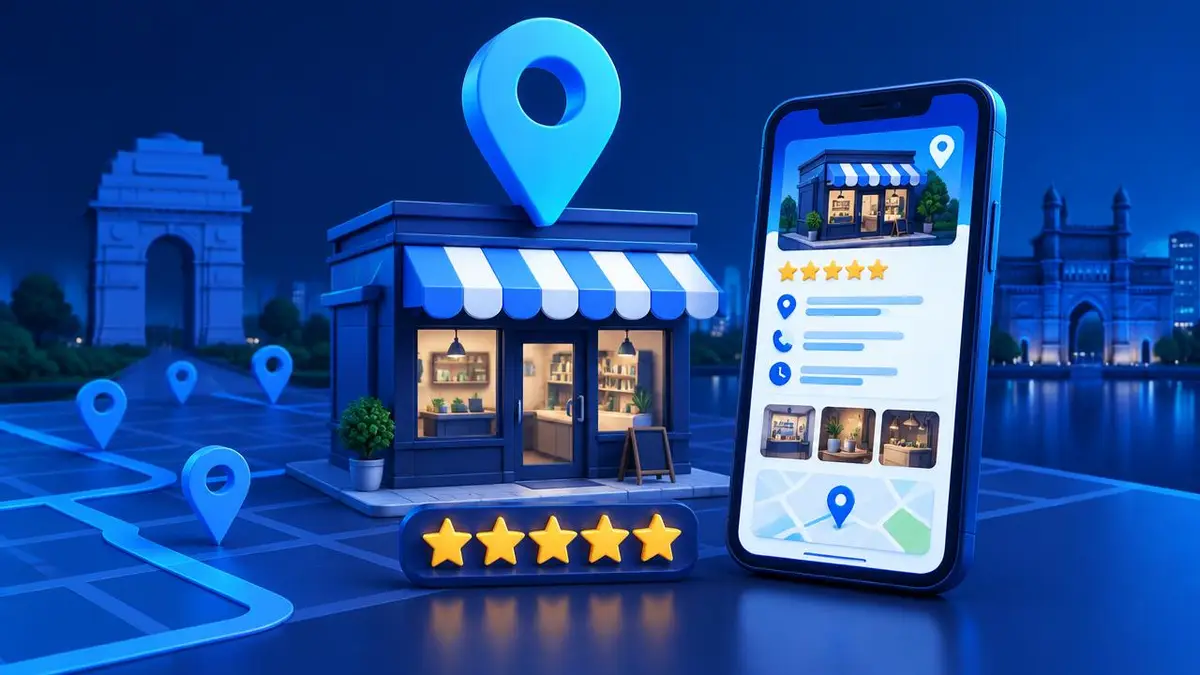
When someone searches 'near me', Google shows a map with three local businesses. Local SEO is how you earn one of those spots — and the calls, visits and enquiries that come with it.
Set up your Google Business Profile
Your free Google Business Profile is the most important local SEO tool. Fill in every field, choose the right primary category, add real photos and keep your opening hours up to date.
Collect and reply to reviews
Reviews influence both rankings and customer trust. Ask happy customers for a review after every job, and reply to every review — positive or negative — politely and quickly.
Use local keywords on your website
Mention your city and area naturally in page titles, headings and content, for example 'website design in Chennai'. Create a page for each main service so Google knows exactly what you offer.
- ✓City + service in page titles
- ✓Your address and phone in the footer
- ✓A Google Map on the contact page
- ✓LocalBusiness schema markup
Keep your details consistent
Your business name, address and phone number (NAP) should be identical on your website, Google, Justdial, IndiaMART, Facebook and other listings. Mismatched details confuse search engines and AI tools alike.
Frequently asked questions
How long does local SEO take?
Simple fixes like completing your Google Business Profile can help within weeks. Stronger rankings usually build over a few months of consistent reviews, content and listings.
Is Google Business Profile free?
Yes. Creating and managing a Google Business Profile is free for any business that serves customers in person or in a local area.
Further reading: Google Business Profile Help. Need help? See our services or book a free consultation.